Report Designer
To access the Report Designer:
-
Open the report.
-
Click
 to activate the edit mode.
-
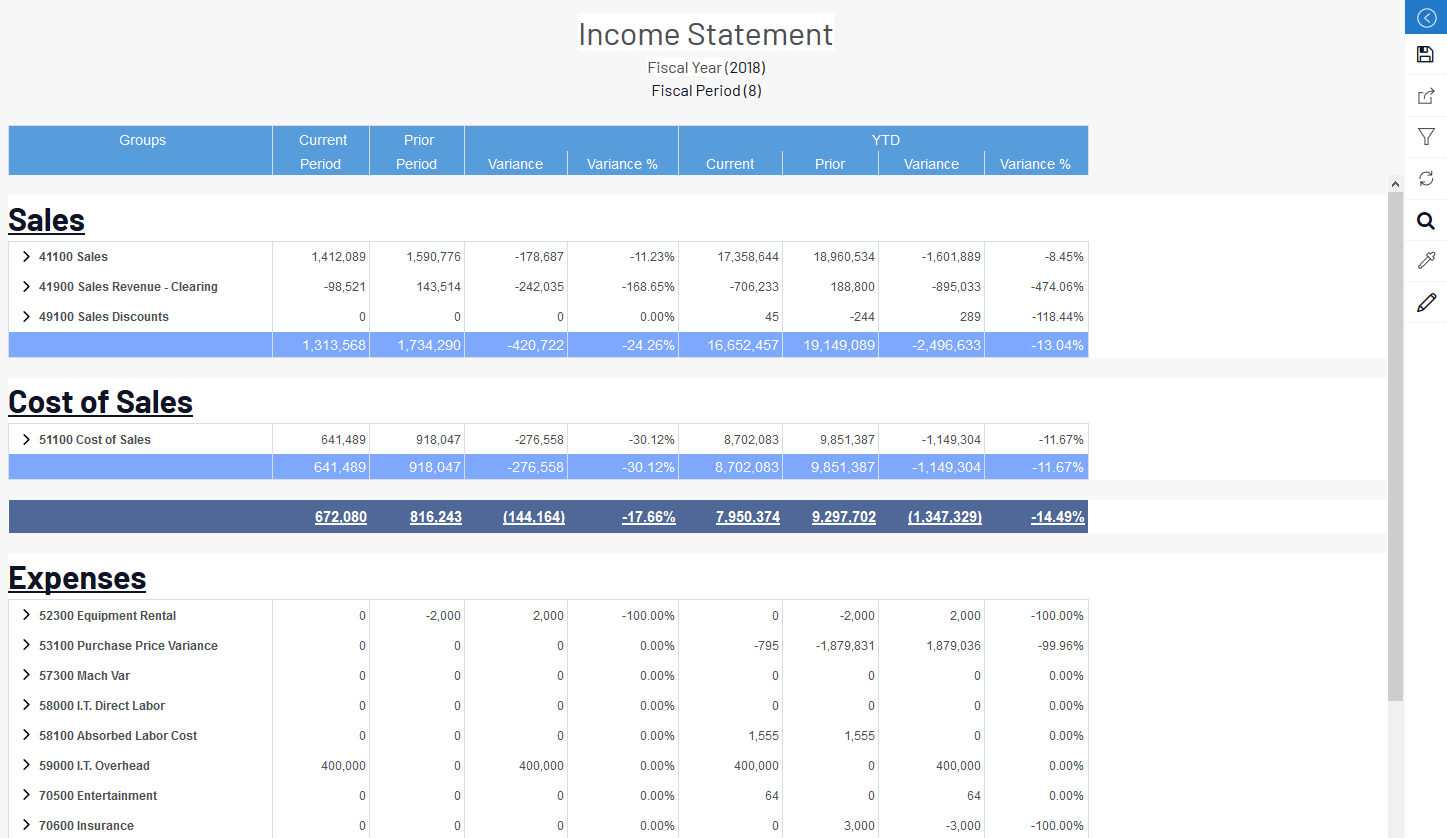
A report has a title, column headers, and one or more sections. Sections can be titles, worksheet tables, or calculated sections.
-
To change the order, drag and drop them up or down.
-
To delete a section, click
 .
.
ImportantThere must be at least one worksheet section otherwise the report cannot be saved.
-
To leave the edit mode:
-
Click
 .
.