
Predefined Filters
This option displays the saved Filters.
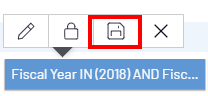
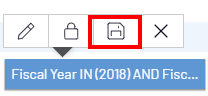
To save the filters:
- At the bottom of the View, hover over the filter and click on
 .
.
To view the Predefined Filters:
- In the Settings menu (right panel), click on
 and select Predefined Filters.
 -
Expand the saved Filter to see the available options to make changes.

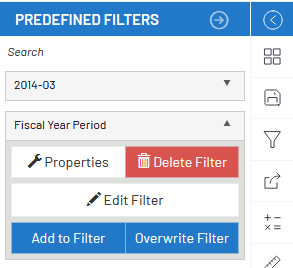
Choose one of the commands below:
- Properties:
- To publish properties and save the Filter.
- Delete Filter:
- To remove a defined Filter.
- Edit Filter:
- Opens the Advanced Filter window to change the Filter.
- Add to Filter:
- To add more choices to a Filter.
- Overwrite Filter:
- To overwrite a Filterwith new information.