Stored Procedures
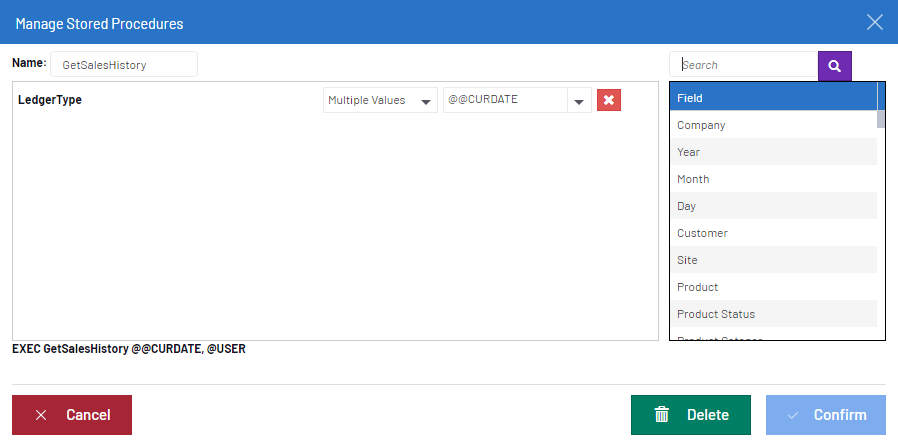
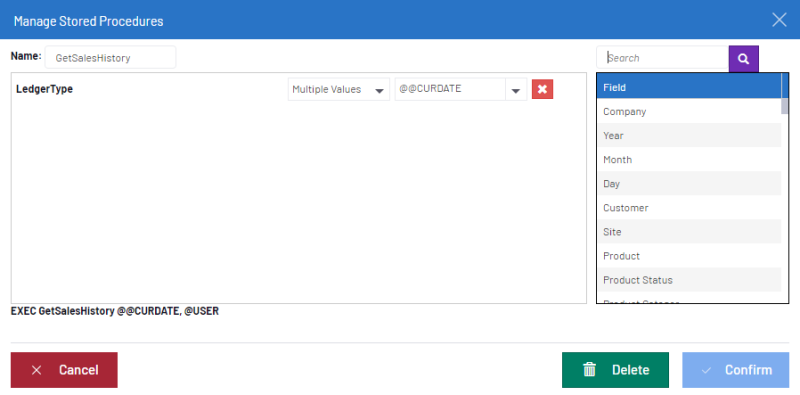
- In the Data Models and Views tab, right-click on a Data Model and select Manage Stored Procedures.
- Enter a name in the Name field.
- In the Fields section, click to add the Fields you want to use.
- In the left section, define the Fields by adding parameters with the drop-down lists and click on Confirm to finish.
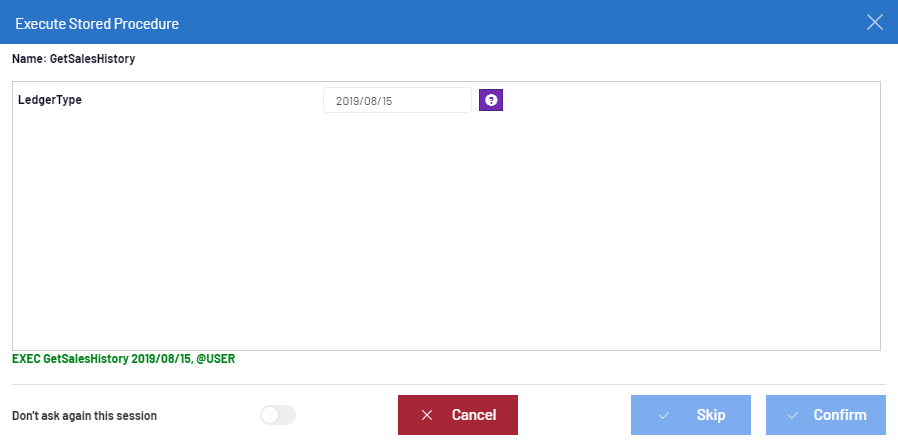
- After opening a Worksheet, execute the Procedure (with parameters), that is connected to the Data Source
where the Web Client is stored by clicking on Confirm.
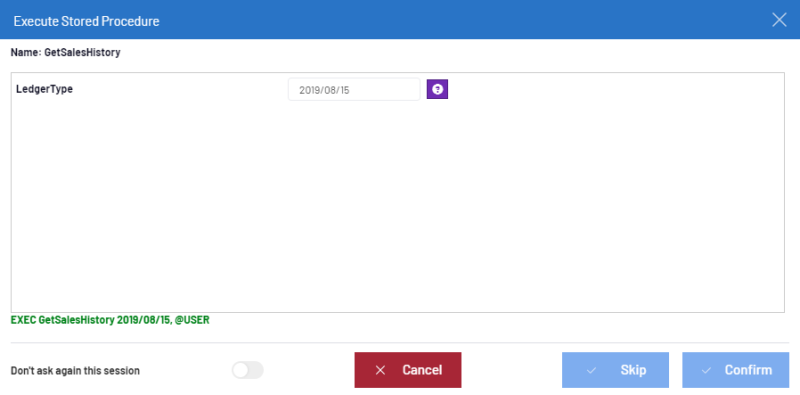
- Click Skip to bypass the execution of the Stored Procedure.